Physical Address

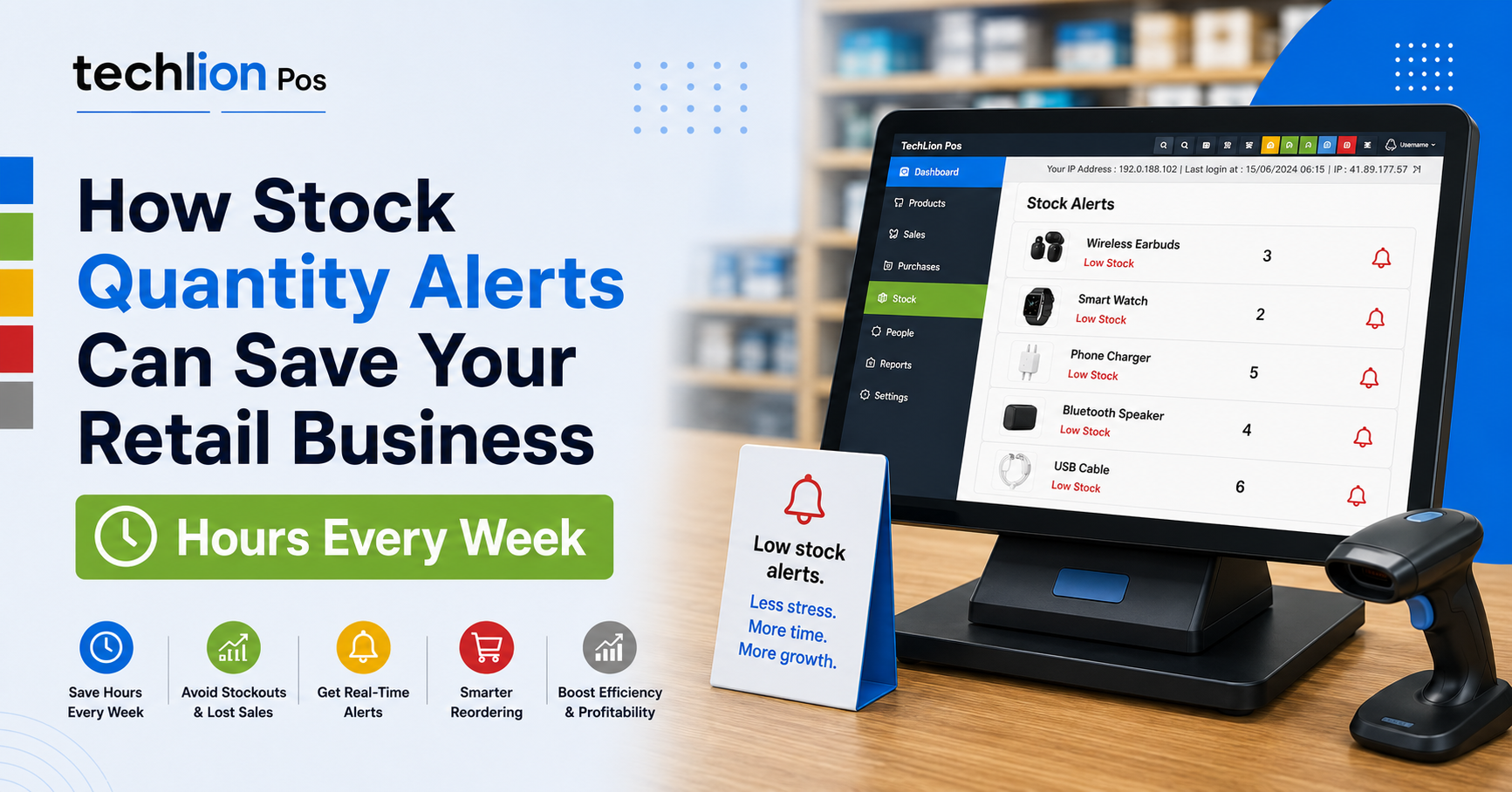

Every retail business owner in Kenya knows the frustration: a customer asks for a product, and it’s out of stock. Or worse you only find out a fast-moving item ran out three days ago, after losing sales you didn’t even know you were missing.
If you’re still tracking stock levels by walking the shop floor or flipping through a notebook, you’re not just risking empty shelves. You’re losing hours of staff time every week time that should be spent serving customers, not counting them.

The Real Cost of Manual Stock Checks
Most retail businesses manage stock levels one of two ways: someone physically counts shelves periodically, or nobody notices a shortage until a customer asks for something that isn’t there.
Both approaches carry hidden costs:
- Lost staff hours. Manually counting stock across shelves especially in a supermarket, mini-mart, or pharmacy with hundreds of SKUs can eat up several hours a week that could go toward sales or customer service.
- Lost sales. Every out-of-stock item is a missed sale, and often a customer who walks to a competitor instead of waiting for you to restock.
- Emergency restocking. Realizing you’re out of a fast-moving product too late often means rushed, last-minute orders sometimes at worse prices or with delivery delays.
- Overstocking elsewhere. Without clear visibility, businesses often over-order slow-moving stock to “be safe,” tying up cash in products that sit on shelves instead of moving.

How Stock Quantity Alerts Fix This Automatically
A POS system with built-in stock quantity alerts removes the guesswork entirely. Instead of staff manually counting shelves, the system tracks stock levels in real time as sales happen and flags products automatically once they hit a low-stock threshold you set.
Here’s what that looks like in practice:
1. Real-time stock tracking Every sale automatically updates stock levels across the system, so you always know exactly what’s on hand without a manual count.
2. Custom low-stock thresholds You decide what “low stock” means for each product a fast-moving item might trigger an alert at 20 units, while a slower one might trigger at 5 so alerts stay relevant instead of noisy.
3. Instant notifications The moment stock dips below your set threshold, you get notified no need to walk the shop or check manually, and no more finding out only after a customer asks.
4. Multi-branch visibility For businesses with more than one branch, quantity alerts show stock levels across all locations, so you can transfer stock between branches instead of placing unnecessary new orders.
5. Smarter reordering With clear, real-time visibility into what’s running low, you can plan restocking around actual demand instead of guesswork keeping cash tied up in what sells, not what sits.
Hours Back, Every Week
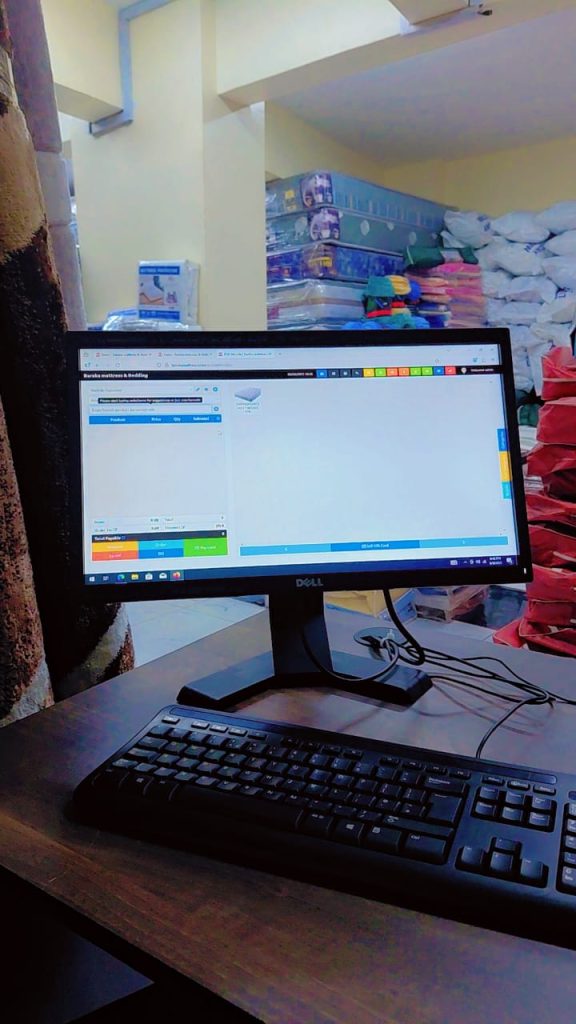
For a shop with a few hundred SKUs, manual stock counts can take 3–5 hours a week, depending on store size and how often it’s done. With automated quantity alerts, that same task takes minutes a quick check of your dashboard replaces hours of physical counting.
That’s time your team gets back to focus on what actually grows the business: serving customers, closing sales, and keeping shelves stocked with what’s moving.
The Bottom Line
Stock management shouldn’t depend on someone remembering to count, or a customer pointing out an empty shelf. It should be automatic, accurate, and built into the way your business runs day to day.
If your retail business is still tracking stock levels by hand, it might be time to see how many sales and hours you’re actually losing. Techlion’s POS system includes automated stock quantity alerts as a standard feature, helping retail businesses across Kenya avoid stockouts and save hours every week.
Ready to see it in action? Get in touch with Techlion to learn how stock quantity alerts and other smart POS features can streamline your retail operations.